Your Pi program, out of the terminal and into your pocket
Write your Pi program the way you already do. ThePiHub turns it into a live control panel you can open on your phone, from anywhere.
In the terminal
pi@raspberrypi:~ $ python greenhouse.py
temperature 24.0
humidity 38.0
temperature 24.0
humidity 38.0
On your phone
Live video, straight to your browser*
Streaming a camera from a Pi to a web page is one of the hardest things to build. ThePiHub makes it three lines.
The hard way
- Encode the video on the Pi without overwhelming it
- Run a signalling server so the two ends can find each other
- Open ports on your router, or set up a VPN
- Write a video player page
With ThePiHub
camera = birdbox.output(id="camera", type="Camera")
camera.use(best_camera_source())  # the Pi's camera (hardware or software encoding); anywhere else, a moving test pattern
camera.recorder_if_possible() # adds the Record button when the camera can be recorded- The picture goes straight from your Pi to your browser, never through our servers
- The Pi's hardware encoder does the work, so even a Pi Zero W can stream
- Up to Full HD (1080p), chosen from a setting on your dashboard
- Snapshot, record and full screen are built in
*A direct connection isn't possible on every network. A Pi on a mobile hotspot works with the phone sharing it, but not with viewers elsewhere in the world. When it can't connect directly, the dashboard tells you.
What changes
Everything your program already does, without the desktop or command line.
| In the terminal | On ThePiHub |
|---|---|
| Printing a reading | A live gauge |
| Asking "on or off?" at a prompt | A toggle |
| A video window on a monitor | Live camera video, straight to your browser |
| Copying recordings off by hand | One-click download |
| Reading logs to spot trouble | A warning that stays until you acknowledge it |
| SSH-ing in to check | Open your phone |
Away from the desk
Check on it from the sofa, the office or the other side of the world.
Away from the terminal
No SSH, no scrolling logs, no typing y or n at a prompt.
Away from web development
You declare what your program shows and does. ThePiHub draws it: nobody writes HTML.
How it works
1. Install the SDK
On the Pi (or any Linux machine). Python 3.10 or newer.
pip install thepihub2. Run an example
Copy an example or write your own
python greenhouse.pyThe first run prints a link and a code: approve it in your browser, and your Pi is yours.
3. Your code's dashboard, laid out effortlessly
Three ways in
Run an example
Copy a program from Projects and see your own Pi on a dashboard within minutes.
See the projectsBuild your own program
Say what your program shows and what it can be told to do, and ThePiHub draws the dashboard, live.
Get startedBuilding a product?
Point-to-point video and file transfer, device identity and reconnection are already handled for you.
Coming soon
- Your name, your address, your style
- Your team, your fleet
- Run as a service
A real one: Bird Box Live
Put a Pi and a camera in a nest box, plug it in, and watch from anywhere - live video peer to peer, plus Record and Snapshot saved on the Pi. In use on a Pi Zero W and tested on a Pi 3A+.
birdbox = Program(id="birdbox", name="Bird Box")
camera = birdbox.output(id="camera", type="Camera")
temperature = birdbox.output(id="temperature", type="Gauge")
...
files = files_program.output(id="files", type="Files")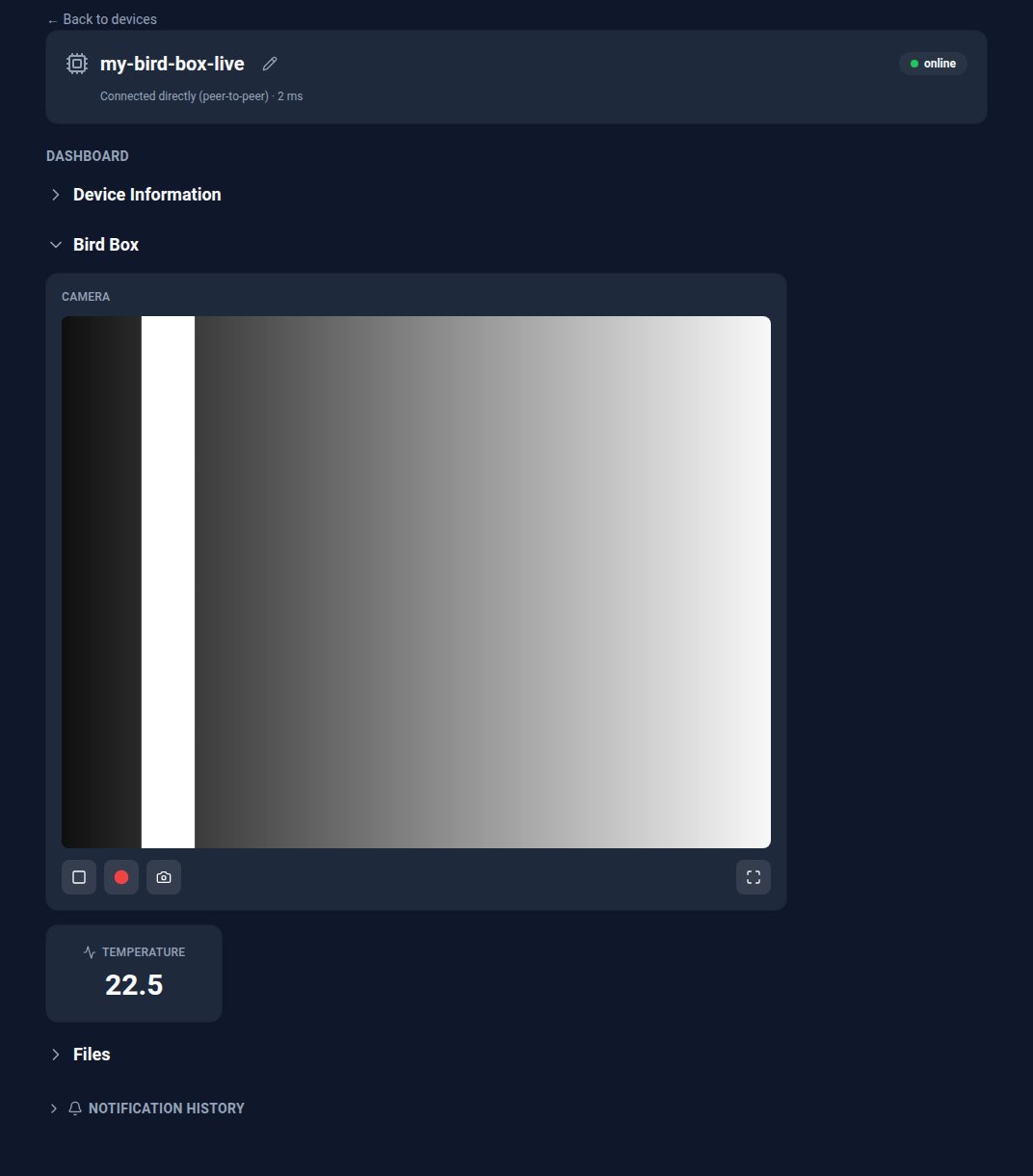
Take your Pi out of the terminal
Sign up, run an example, and watch your Pi appear on your phone.
Sign up